
BIM models and CAD drawings of TOODE products
TOODE roofing, sheet metal flashings, roof safety products and rainwater systems are available in the ProdLib library as BIM models and drawings – in Revit, ArchiCAD, SketchUp, Tekla, DWG/DXF and PDF formats.
The library is free of charge. It is useful for architects, designers, builders, students and anyone planning a roof: you can place a ready-made model in your project in the size, colour and coating you need instead of drawing the roof and details yourself.

What is in the TOODE BIM library
The library has 12 sections. The section name opens it in ProdLib, and the right-hand column links to the matching products on toode.lv.
| ProdLib section | What it contains | Products on toode.lv |
|---|---|---|
| Tiled sheets | tile profile roof models | Tile profile |
| Classic profile sheet | Classic roof model | Classic |
| Standing seam sheet | standing seam roof model | Standing seam profile |
| Profiled sheets | TP15, TP20 and TP45 | Roof and wall profiles |
| Flashings | ridge, valley, eaves and end flashings, Classic roof flashings, standing seam ridge support strip | Roof flashings |
| Ladders | wall ladders 450 and 700 mm wide, roof ladders for every type of roofing | Roof and wall ladders |
| Roof bridges | roof walkways for the tile profile, Classic, standing seam profile, TP20 and TP45 | Roof walkways |
| Snow stops and barriers | snow stops for every type of roofing, snow guards for the standing seam profile and TP20 | Snow guards |
| Snow stop and roof bridge connection details | fixing details for every type of roofing, including slate roofs | Snow guards, Roof walkways |
| Connections for solar panels | solar panel fixing details for different types of roofing | Solar panel mounts |
| Rectangular rainwater system | gutter, downpipe, outlet and the whole system | Square rainwater system |
| Round rainwater system | gutter, downpipe, outlet and the whole system | Round rainwater system |
The English version of the library also includes solar panel models (L and XL size), so you can show the panels together with their fixings in the roof model.
File formats
| Software | Format | Available |
|---|---|---|
| AutoCAD and other CAD software | DWG/DXF | all sections |
| Autodesk Revit | RFA (Revit family) | all sections |
| ArchiCAD | LCF, GSM | the whole TOODE library in one LCF file; ladders and rainwater systems also as separate objects |
| SketchUp | SKP | all sections |
| Tekla Structures | LIS/UEL | all sections |
| Viewing and printing | all sections except rainwater systems |
How to download TOODE BIM models
Open the TOODE library
Open the TOODE library in ProdLib. On the left, under Toode library language, choose English.
Log in to ProdLib
You need a ProdLib account to download files. Registration and all library content are free.
Choose a model and format
Open the section you need, choose a product and download the file for your software: DWG, Revit, ArchiCAD, SketchUp, Tekla or PDF.
ProdLib app for AutoCAD, Revit and ArchiCAD users
If you use BIM models often, it is easier to download the free ProdLib desktop app and install the TOODE library in it. You can then search for models and place them in your project directly from AutoCAD, Revit or ArchiCAD.
The available coatings are described under Metal roof coatings, and the colours in the colour chart. The TOODE BIM library was created in cooperation with Tulitec OÜ.
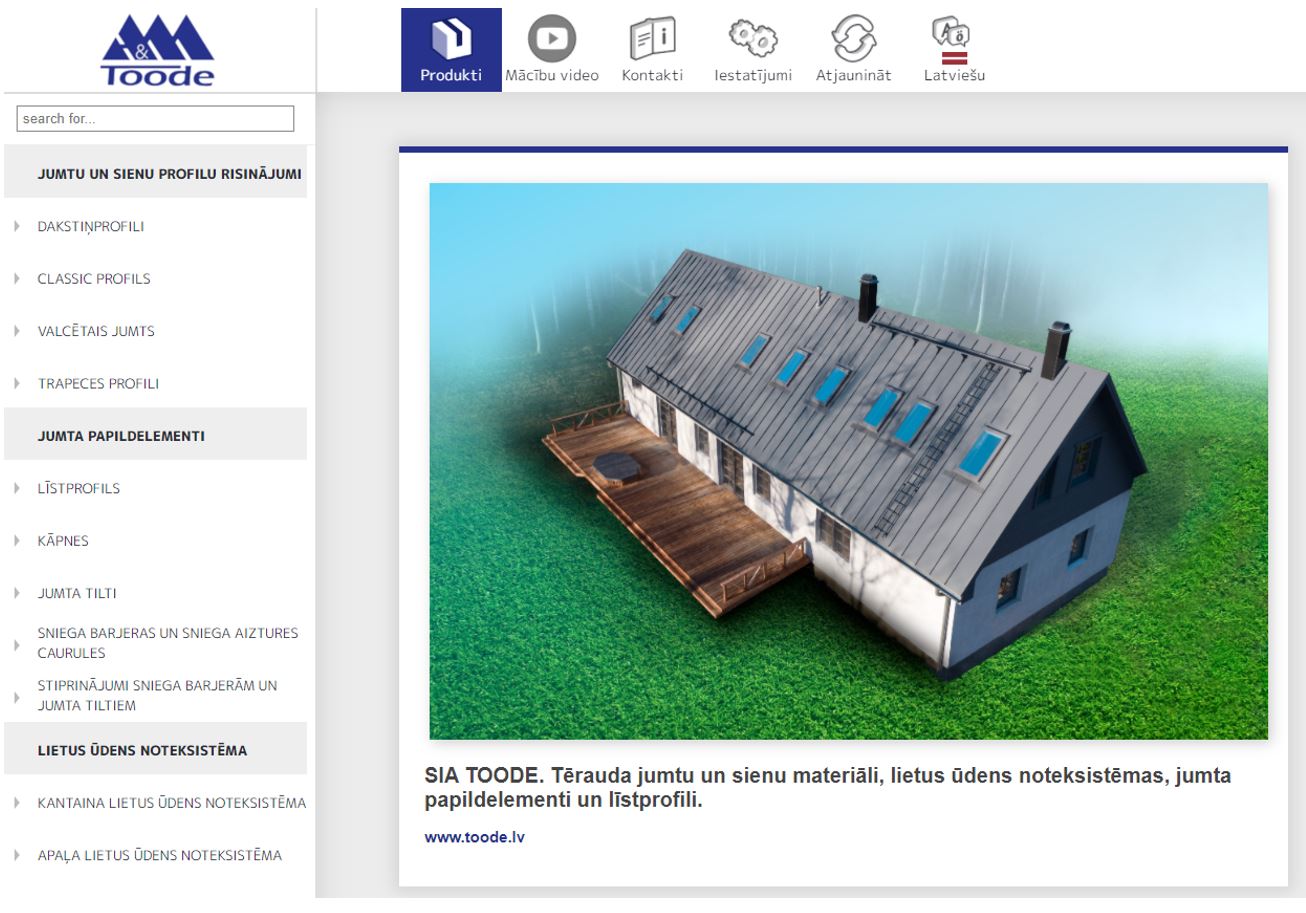
Video: ProdLib for Autodesk Revit users
A short introduction to working with the ProdLib library in Revit.

Frequently asked questions
Are TOODE BIM models free?
Yes. All TOODE models and drawings in ProdLib are free of charge. You need a free ProdLib account to download files.
Which languages is the library available in?
The TOODE library in ProdLib is available in English, Latvian and Estonian. You choose the language on the left under Toode library language. Each file shows which languages it is available in (for example, EN, LV).
Are there ArchiCAD models?
Yes. The whole TOODE library is available as a single ArchiCAD LCF file that you can download from the TOODE library page in ProdLib. Ladders and rainwater systems are also available as separate ArchiCAD objects.
Which TOODE products are in the BIM library?
Roofing (tile profile, Classic, standing seam profile, trapezoidal profiles TP15, TP20, TP45), sheet metal flashings, roof and wall ladders, roof walkways, snow guards and their fixings, solar panel mounts, and the round and square rainwater systems. The full list is in the table at the top of this page.
Can I choose the colour and coating of a model?
Yes, you can place a model in your project in the colour and coating you need. Before choosing, check which coatings are available for the profile – they are listed on the product page and under Metal roof coatings.
What if the model I need is not in the library?
You will find the dimensions and technical data on the product pages and under Technical information. If you need more, contact us.
Designing a roof with TOODE materials?
If you have questions about profiles, coatings or flashings, our specialists will help you choose the most suitable materials and prepare a quote.